How to Turn a Website into a Mobile App: Step-by-Step Guide Using AI App Builders
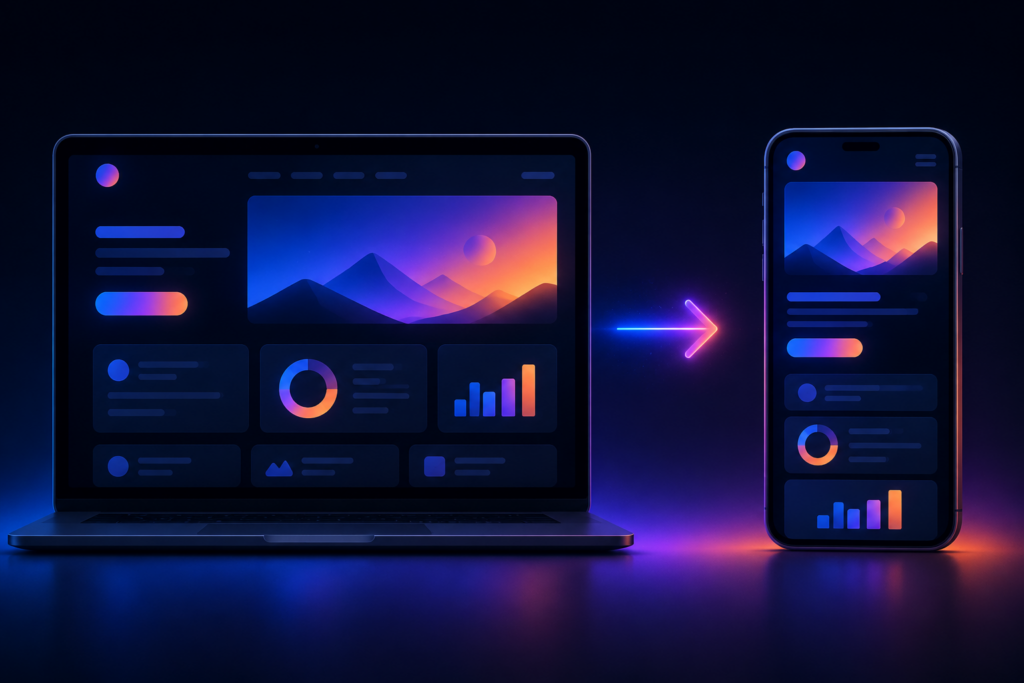
If your website drives steady traffic but you still see low retention, you already know the problem: mobile browsers are a leaky funnel. Users land, browse, and leave—often never to return. Turning that website into a mobile app gives you a persistent icon on their home screen, background notifications, and offline access. The result is engagement that mobile web cannot match.
AI app builders have removed the barrier of learning Swift, Kotlin, or even a no-code platform like FlutterFlow. You paste your URL, the AI crawls your site, maps the pages, and generates a working app in under an hour. This guide walks through the exact process—preparing your website, choosing the right builder, configuring the app, testing it, and submitting to stores. Every step is based on real projects, not theory.
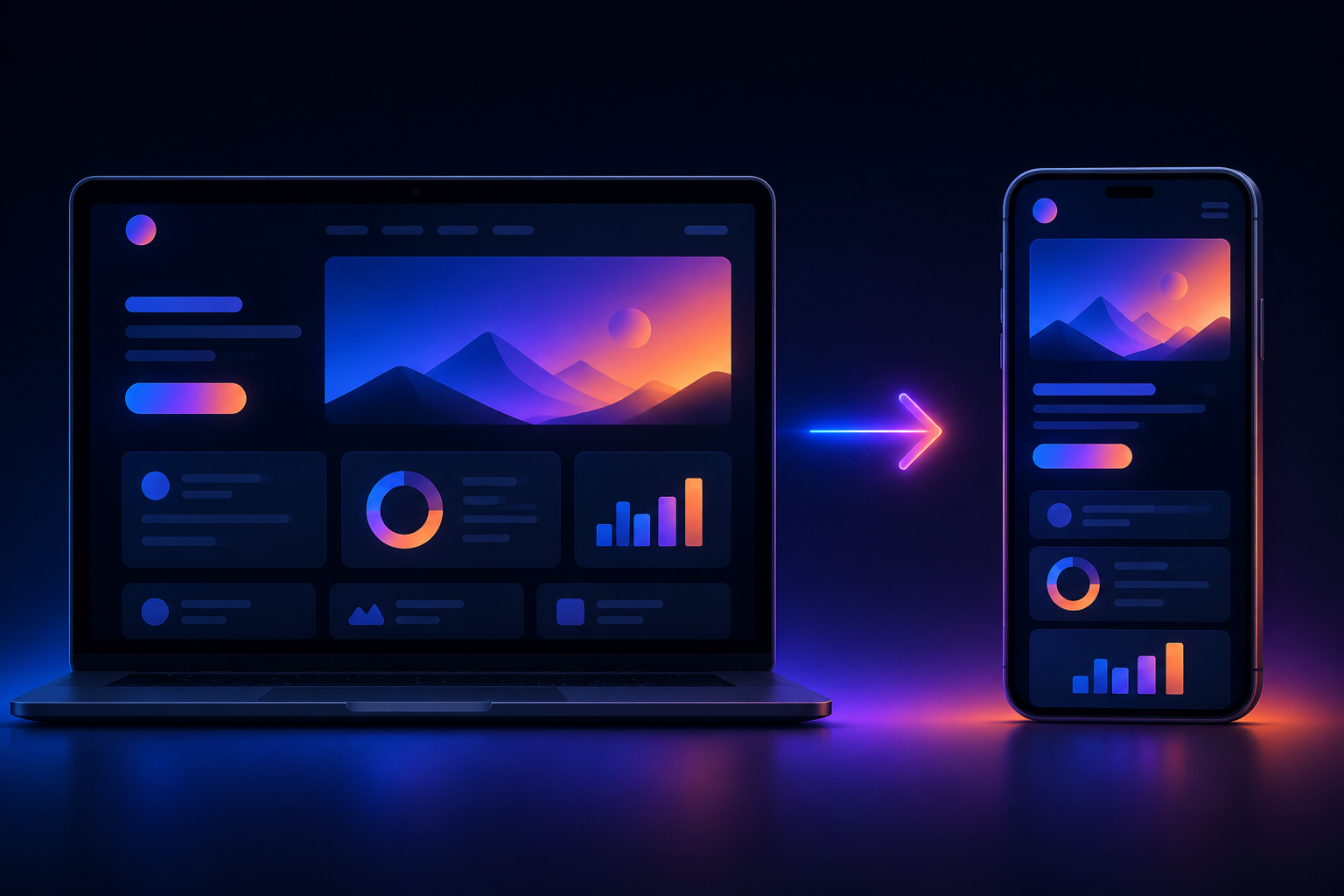
Why Turn Your Website into a Mobile App
Mobile apps consistently outperform mobile websites on every retention metric. According to widely cited industry data, the average app retains users at a rate roughly 3x higher than mobile web within the first 30 days. Furthermore, about 80% of all mobile time is spent inside apps, not browsers. If your website is a blog, an e-commerce store, a directory, or a SaaS product, converting it into an app means you get a permanent place on the user’s device—and the ability to talk to them via push notifications.
Push notifications alone can increase return visits by up to 4x. For a content site, that translates directly into ad impressions or subscription conversions. For an e-commerce site, abandoned cart reminders become possible. Offline functionality, even if limited to cached pages, improves perceived speed and reliability. And app store presence adds discoverability; users search for apps the way they search on Google.
But there is a catch: a bad app will hurt your brand more than no app. If the app is a slow, clunky wrapper of your mobile site, users will uninstall within minutes. That’s why the preparation and builder choice matter.
PWA vs Native vs Hybrid: Which One Should You Choose?
Before you convert your website, you need to understand the three main deployment options. Each has trade-offs in reach, performance, and complexity.
| Feature | PWA | Native (Android + iOS separately) | Hybrid (WebView-based) |
|---|---|---|---|
| Install from store | No (direct via browser) | Yes (Google Play, App Store) | Yes (both stores) |
| Push notifications | Yes (limited on iOS) | Full | Full |
| Offline capabilities | Good (service worker) | Excellent | Good (caching) |
| iOS support | Partial (no background sync, notification quirks) | Full | Full |
| Performance | Near-native | Best | Depends on WebView |
| Development effort | Low (add manifest + service worker) | High (two codebases) | Medium (one codebase, native wrappers) |
| Monetization (ads/IAP) | Limited (no native ad SDKs) | Full | Full |
| AppCreator support | Yes (PWA mode) | Yes (native builds) | Yes (hybrid WebView) |
If your website is a simple blog or landing page and you don’t need app store distribution, a PWA is the fastest path. But if you want real app store presence, push notifications that work reliably on iOS, and ad revenue, a native or hybrid app is better. AI app builders like AppCreator let you generate all three from the same input—the AI analyzes your site structure and produces the corresponding output for each platform.
How AI App Builders Simplify the Conversion Process
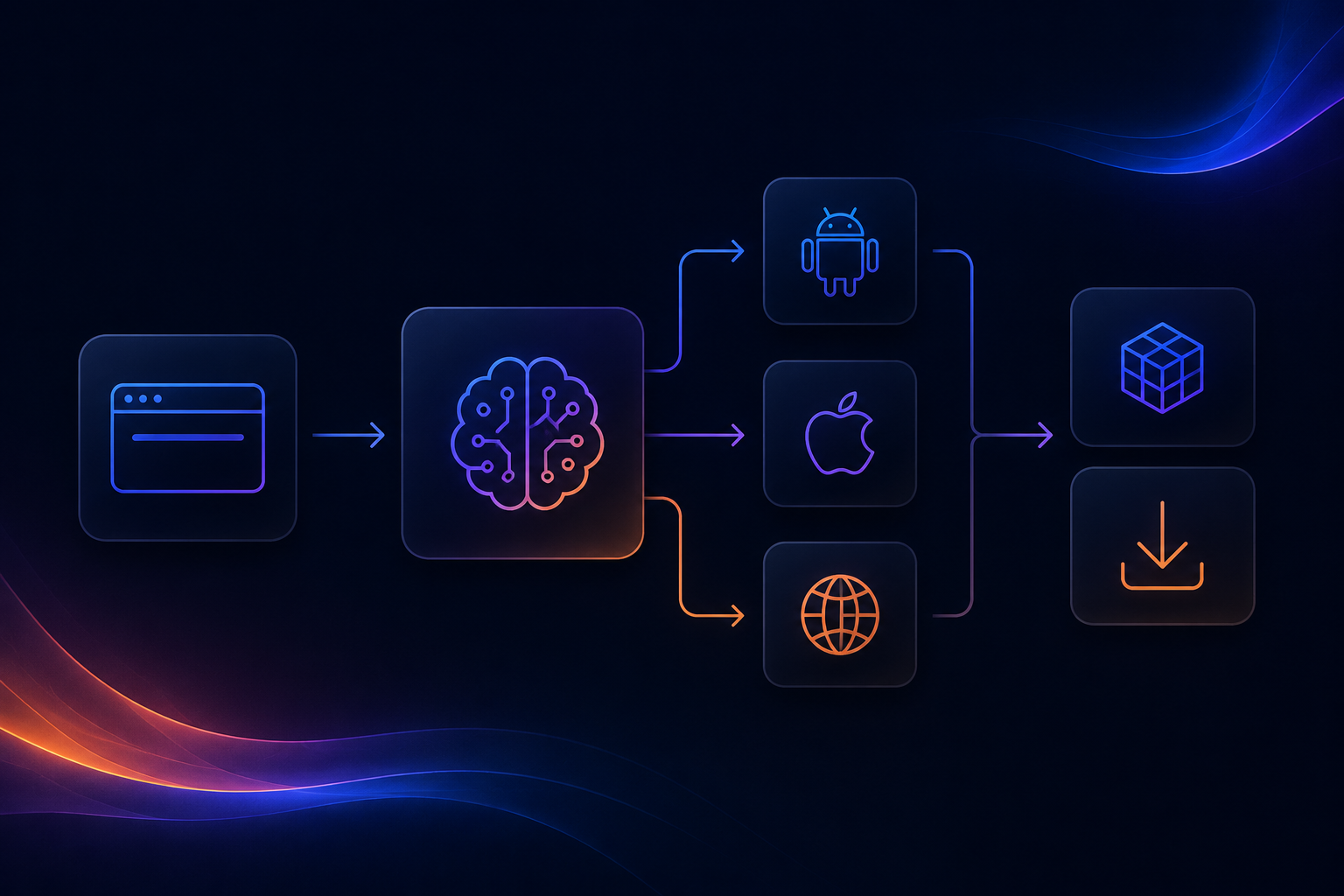
Traditional web-to-app conversion required either manual coding or a developer using WebView wrappers with custom glue code for navigation, permissions, and push notifications. AI builders automate the tedious parts: they crawl your website’s URL structure, detect your navigation menu, identify pages for the tab bar, and generate a UI that mirrors your site but works natively.
The AI also handles configuration files—Android manifest, iOS Info.plist, PWA manifest—and pre-configures common SDKs for ads, analytics, and crash reporting. What used to take a freelance developer two weeks can now be done in about 30 minutes. The time saving is real: I have personally taken a moderately complex e-commerce site (200 pages, 3 tab views) from URL to a working APK in under an hour using an AI builder.
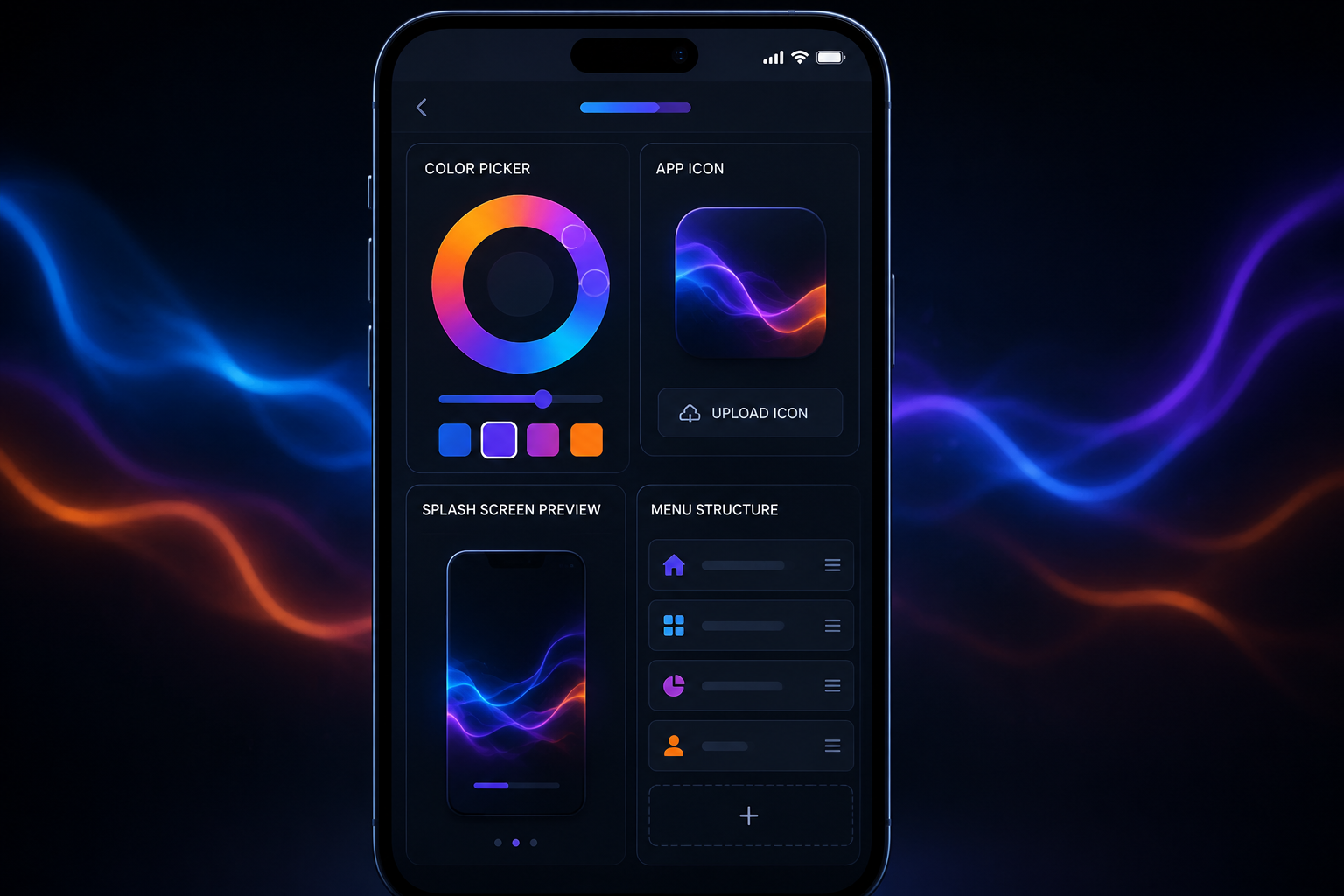
AppCreator uses AI to map your pages and suggest a navigation structure. You can override it, but the default is usually good enough for most content-based sites. The AI also analyzes your favicon and meta tags to suggest app icons and a splash screen color scheme.
Step 1: Prepare Your Website for App Conversion
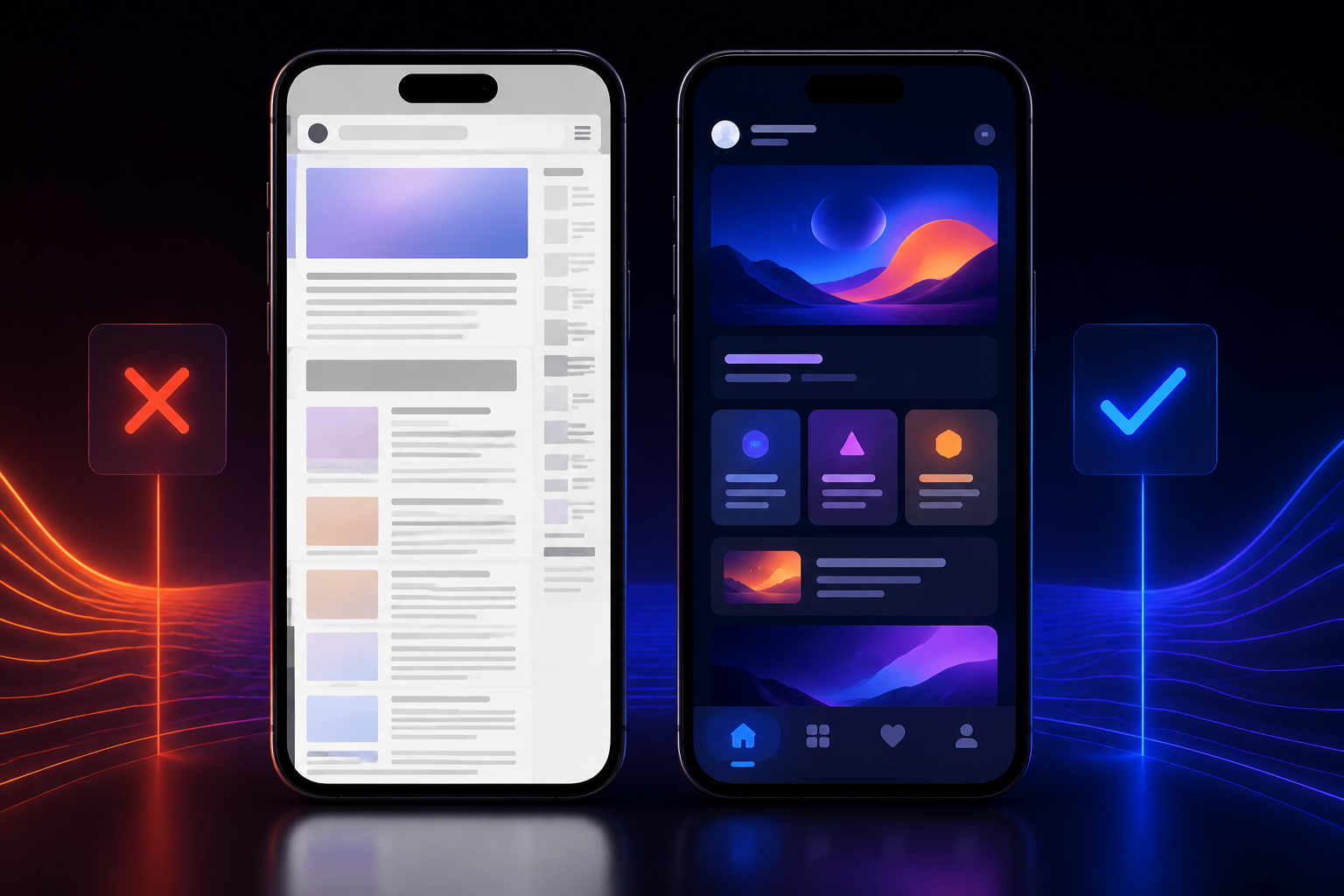
Your website needs to be ready for a mobile-first, production-quality app. Skipping this step is the most common cause of app rejection or poor ratings.
- Responsive design. Your site must work flawlessly on screens 320–414px wide. Test every page on a real phone or Chrome DevTools device emulation.
- HTTPS enabled. Apps can only load secure content. HTTP resources will cause errors or blank screens.
- Fast load speed (<3 seconds). Use Lighthouse or PageSpeed Insights. Compress images, minify CSS/JS, enable server caching. A slow web app will be a slow mobile app.
- Clear navigation. The AI builder will try to infer your main sections. If your navigation is cluttered or uses JavaScript menus that aren’t semantically structured, the AI may miss pages.
- Mobile-friendly forms. If your site has contact forms, checkout flows, or login fields, test them on mobile. Form validation errors or unusable input fields will break the app experience.
- Optimize images and ad placements. Large images slow down the WebView. Overaggressive pop-up ads or interstitials that cover content can cause app store rejections (especially on iOS). Use responsive ad units, not fixed-size banners.
Common mistake: people assume their existing desktop website will “just work” inside an app WebView. It won’t. You must treat the app as a mobile-first product, not a mirror.
Step 2: Choose an AI App Builder and Sign Up
Not all builders are equal. The key factors are: supported platforms (Android, iOS, PWA), built-in monetization, customization depth, and pricing model.
| Tool | Platforms | Monetization | Customization | Free Tier | Store Submission |
|---|---|---|---|---|---|
| AppCreator | Android, iOS, PWA | AdMob, Facebook Audience, IAP | Full (colors, icons, splash, navigation) | Yes (with branding) | Yes (direct export) |
| WebViewGold | Android, iOS | Ad networks (extra license) | Limited (basic theming) | No (paid license) | Yes |
| AppGyver | Android, iOS, PWA | Manual integration | High (drag-and-drop UI) | Yes (with limited features) | Yes |
| PWABuilder | PWA only | None built-in | Medium | Yes (open source) | No (PWA only) |
AppCreator offers a free tier where you can build and test, but store submission requires a paid plan that removes its branding. For a one-time project or a business app, the cost is reasonable compared to hiring a developer. WebViewGold is a popular alternative if you want a simple wrapper, but you pay upfront for each platform and customization options are narrower. AppGyver is more of a full no-code builder—overkill if you just want to wrap a website, but good if you plan to add custom native screens.
If you want to create an app without coding and need both stores, AppCreator is a strong choice because it handles the native packaging and certificate signing for you.
Step 3: Configure Your App’s Settings and Design
Once you sign up and paste your website URL, the AI builder will crawl your site. Typically you then configure:
- Platform selection – choose Android, iOS, PWA, or all three.
- Navigation style – bottom tab bar, side drawer, or top menu. Most content apps use a bottom tab bar with 3–5 items (Home, Categories, Search, Profile, etc.). The AI will suggest these based on your site structure.
- Colors, icons, and splash screen – upload your app icon (1024×1024), a splash image, and pick your primary/secondary colors. The AI can extract these from your site’s CSS, but manual override is better.
- Push notifications – configure Firebase Cloud Messaging (Android) or APNs (iOS). You’ll need to set up a Firebase project and upload the credentials. AppCreator provides a dashboard to send notifications.
- Permissions – camera, location, microphone (if your site uses them). Only request what you actually use; too many permission requests lead to app rejection.
Most builders let you preview the app in a browser emulator at this stage. Use it to walk through every page. If a page doesn’t load or looks wrong, fix your website first, then re-scan.
Step 4: Preview and Test Your App
Before generating the final package, test thoroughly. Use both emulators and real devices.
- Test on real devices. At least one low-end Android phone (e.g., Moto G) and one recent iPhone. Performance differences are stark.
- Check all links. Internal links should open within the app; external links can either open in the in-app browser or the system browser. Decide per link type.
- Test forms. Fill in fields, submit, check for errors. Some forms may rely on JavaScript that WebView doesn’t fully support.
- Media playback. Videos and audio should play without controls overlapping. Autoplay policies vary (iOS often blocks autoplay with sound).
- PWA testing. Use Chrome DevTools → Application → Service Workers to simulate install and offline behavior.
- iOS Safari quirks. If you’re building a PWA, test Safari’s share sheet, status bar color, and safe area insets (notch). Many websites break on iPhone X+ because they don’t respect safe areas.
Don’t skip this step. I’ve seen apps crash on iOS because a single script error in a third-party widget caused the whole WebView to fail. The AI builder won’t catch all JavaScript errors.
Step 5: Generate and Download the App Package
Once testing passes, you generate the app files:
- APK / AAB for Android – upload to Google Play Console ($25 one-time fee).
- IPA for iOS – requires an Apple Developer account ($99/year) and Xcode or a cloud signing service. Some AI builders, including AppCreator, can sign the IPA for you if you provide the certificate.
- PWA manifest – no store submission needed; host it on your server and users can install via browser.
For Android, use Android App Bundle (AAB) instead of APK for Play Store, as Google requires it for new apps. For iOS, you’ll go through App Store Connect, providing screenshots, description, privacy policies, and testing with TestFlight before submission.
If you don’t want to pay Apple’s developer fee, you can distribute iOS apps via direct download using an enterprise certificate, but that’s only valid for internal company use (not public distribution).
Can You Convert a Website to an App for Free?
Yes, but with clear limitations. Free plans usually display the builder’s branding (e.g., “Powered by AppCreator”), limit the number of pages or push notifications, or prevent store submission. Open-source alternatives like PWABuilder let you create a PWA for free with no branding, but you miss native app store access and complex monetization.
If you just need a PWA for your personal blog, free is fine. If you need a native app with ads and in-app purchases, expect to pay for a plan that removes branding and unlocks store exports. AppCreator’s free tier lets you build and test fully, which is useful before committing.
For those who want to compare the best app builders, free plans are a good evaluation tool, but don’t expect a production-ready app without cost.
How to Monetize Your App Built from a Website
Converting your website to an app opens multiple revenue streams:
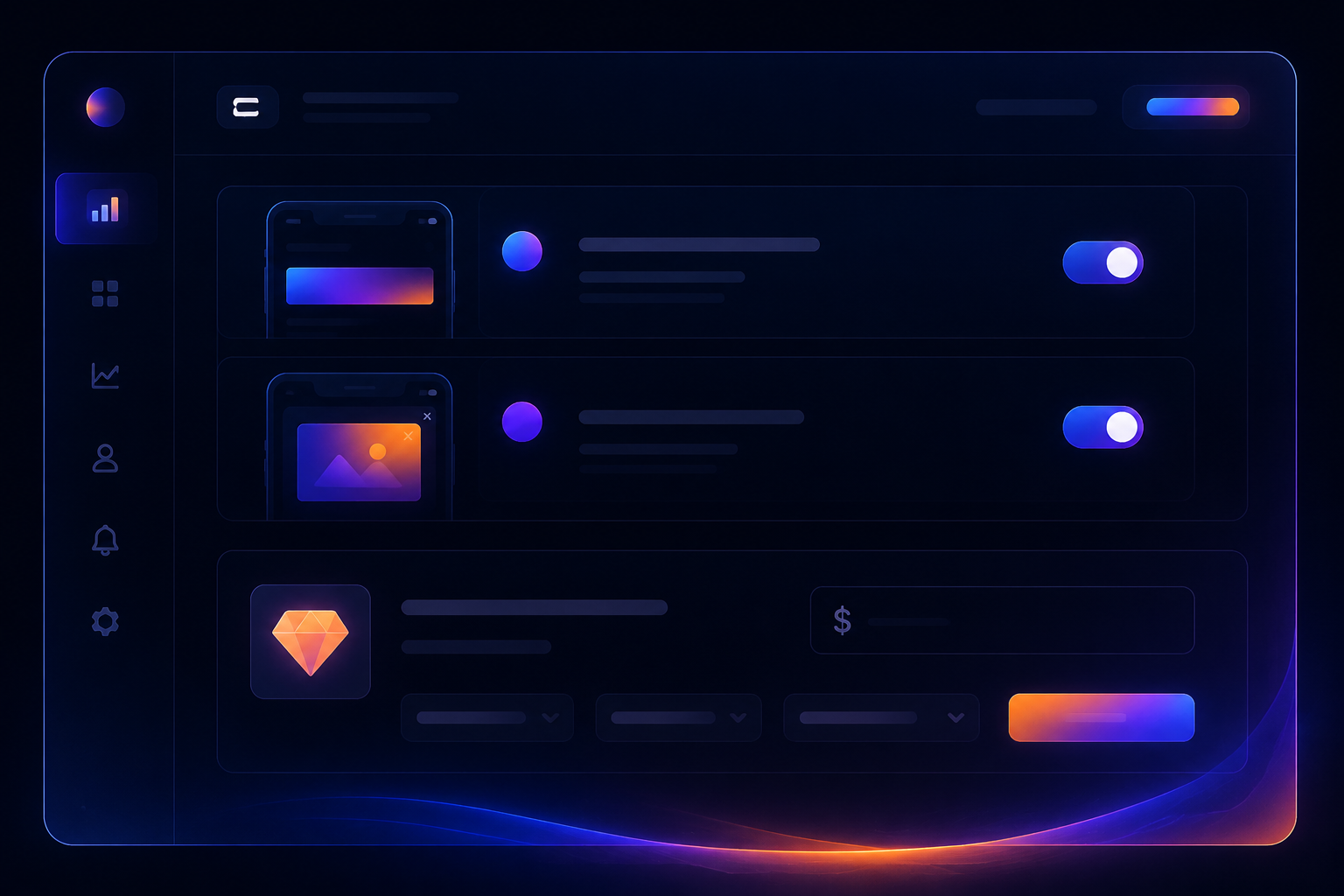
- Banner and interstitial ads – integrate AdMob or Facebook Audience Network. Most AI builders have one-click integration. Typical eCPM for banners is $0.50–$2.00; interstitials $5–$12 in tier-1 countries.
- In-app purchases – offer premium content, ad-free experience, or extra features. For a blog, you might sell access to exclusive articles. For a directory app, a featured listing.
- Subscriptions – recurring revenue via App Store/Google Play billing. Good for SaaS tools, courses, or membership sites.
- Buy buttons (e-commerce) – if your website already sells products, the app can integrate Apple Pay or Google Pay for faster checkout.
AppCreator integrates AdMob and Facebook Audience networks natively. You can set up ad placements in the dashboard before generating the app. Remember to comply with store policies: don’t block content behind ads in a way that confuses users, and don’t use intrusive interstitials that lead to rejection.
If you want to make money with apps, the key is volume and engagement. A single app with 10k daily active users can generate $500–$2,000/month from ads alone.
Common Mistakes When Converting a Website to an App
Even with an AI builder, mistakes happen. Here are the ones I see repeatedly:
- Ignoring mobile UX. Your website’s desktop navigation doesn’t work on a 5-inch screen. Simplify. Use bottom navigation with 3–5 tabs. Remove cluttered sidebars.
- Slow loading time. If your page takes 5+ seconds to load, users will uninstall. Optimize images, use lazy loading, and enable caching in the WebView.
- Not testing on multiple devices. Android fragmentation means you must test on various screen sizes and OS versions. Use a cloud testing service if you can’t get physical devices.
- Violating store policies. Common violations: broken links in app (leads to blank screens), non-functional features, misleading descriptions, or insufficient privacy policy. Review Google Play and App Store guidelines before submission.
- Over-relying on WebView defaults. Many builders let you enable JavaScript, file access, and mixed content. Each setting has security and performance implications. Disable what you don’t need.
Fix these by setting aside a QA phase. Treat your app like a new product, not a wrapper of an existing site.
Will Converting Your Website to an App Boost Engagement?
Yes—if you do it right. Users spend an average of 2–3 hours per day in apps, compared to minutes on mobile web. Push notifications alone can increase return visits by 4x, according to multiple industry studies. However, simply converting your website and doing nothing else won’t create magic. You need to promote the app on your website (use a smart banner or pop-up), send targeted notifications, and keep the app content fresh.
For content-driven sites, the combination of offline reading and notifications creates a habit loop. For e-commerce, abandoned cart reminders via push are extremely effective—conversion rates from those notifications can be 2–3x higher than email.
But the conversion must be paired with maintenance. If your website adds new features, your app may need an update. Some AI builders offer one-click re-sync, which helps.
Ready to Build Your App?
You don’t need to be a developer or spend weeks learning a new platform. Pick your website, optimize it for mobile, choose an AI builder that supports Android, iOS, and PWA, and follow the steps above. The cost and time are both low; the potential upside in user retention and revenue is high.
If you want to test the process without commitment, sign up at AppCreator’s free tier. Paste your URL, let the AI map your pages, configure the design, and generate a test APK or PWA. You’ll have a working app in the time it takes to read this guide. When you’re ready to publish and monetize, upgrade to export to both stores and integrate ads.
Frequently asked questions
How do I turn my website into a mobile app?
Use a no-code AI app builder like AppCreator: sign up, enter your website URL, customize design, and generate APK/IPA/PWA files. No coding required, and you can test before publishing.
Can I convert my website to an app for free?
Yes, many builders offer free tiers with basic features. AppCreator lets you create a free app with limited customization and includes its branding. To remove ads and publish to stores, you typically need a paid plan.
What is the best tool to convert website to app?
The best tool depends on your needs. AppCreator is great for beginners, offering AI automation, native output, and monetization support. For more control, consider WebViewGold (paid) or PWA Builder (free).
How to convert website to Android app?
Use an AI builder that generates APK files. For example, with AppCreator, you select Android platform, configure your site, and download the APK. Then you can side-load it or upload to Google Play Store.
How to convert website to iOS app?
You need a Mac and an Apple Developer account ($99/year). Most no-code builders produce an Xcode project or IPA file. AppCreator can generate an iOS-compatible file; you then compile it in Xcode and submit to App Store Connect.
What is a PWA and how does it work?
A Progressive Web App is a website that acts like a mobile app, with offline support, push notifications, and home screen installation. It works on any browser but has limited access to device hardware compared to native apps.
Do I need coding to turn my website into an app?
No. AI app builders like AppCreator automate the conversion entirely. They detect your website structure and generate the app code. You can customize visual elements without writing a single line of code.
How long does it take to convert a website to an app?
Using an AI builder, most users complete the conversion in 30 minutes to 2 hours. The time depends on website complexity and customization needed. Preview and testing may add a few hours.
Will converting my website to an app improve user engagement?
Yes. Mobile apps have higher retention and session times than mobile websites. Push notifications can increase return visits by up to 400%. However, engagement also depends on app quality and marketing efforts.
How to monetize an app created from a website?
You can integrate ad networks (AdMob, Unity Ads), offer in-app purchases (e.g., subscription for premium content), or use affiliate links. AppCreator includes built-in monetization settings for ads and purchases.
Frequently asked questions
How do I turn my website into a mobile app?
Use a no-code AI app builder like AppCreator: sign up, enter your website URL, customize design, and generate APK/IPA/PWA files. No coding required, and you can test before publishing.
Can I convert my website to an app for free?
Yes, many builders offer free tiers with basic features. AppCreator lets you create a free app with limited customization and includes its branding. To remove ads and publish to stores, you typically need a paid plan.
What is the best tool to convert website to app?
The best tool depends on your needs. AppCreator is great for beginners, offering AI automation, native output, and monetization support. For more control, consider WebViewGold (paid) or PWA Builder (free).
How to convert website to Android app?
Use an AI builder that generates APK files. For example, with AppCreator, you select Android platform, configure your site, and download the APK. Then you can side-load it or upload to Google Play Store.
How to convert website to iOS app?
You need a Mac and an Apple Developer account ($99/year). Most no-code builders produce an Xcode project or IPA file. AppCreator can generate an iOS-compatible file; you then compile it in Xcode and submit to App Store Connect.
What is a PWA and how does it work?
A Progressive Web App is a website that acts like a mobile app, with offline support, push notifications, and home screen installation. It works on any browser but has limited access to device hardware compared to native apps.
Do I need coding to turn my website into an app?
No. AI app builders like AppCreator automate the conversion entirely. They detect your website structure and generate the app code. You can customize visual elements without writing a single line of code.
How long does it take to convert a website to an app?
Using an AI builder, most users complete the conversion in 30 minutes to 2 hours. The time depends on website complexity and customization needed. Preview and testing may add a few hours.
Will converting my website to an app improve user engagement?
Yes. Mobile apps have higher retention and session times than mobile websites. Push notifications can increase return visits by up to 400%. However, engagement also depends on app quality and marketing efforts.
How to monetize an app created from a website?
You can integrate ad networks (AdMob, Unity Ads), offer in-app purchases (e.g., subscription for premium content), or use affiliate links. AppCreator includes built-in monetization settings for ads and purchases.